![Time Off Cloud - Flat (720x136)-1.png]](https://support.timeoffcloud.com/hs-fs/hubfs/Time%20Off%20Cloud%20-%20Flat%20(720x136)-1.png?height=40&name=Time%20Off%20Cloud%20-%20Flat%20(720x136)-1.png)
1) Select any job.
2) Select the report icon from the app header.
3) You will be able to select the year (for running previous years reporting) and format (Excel, HTML, etc) of the report.
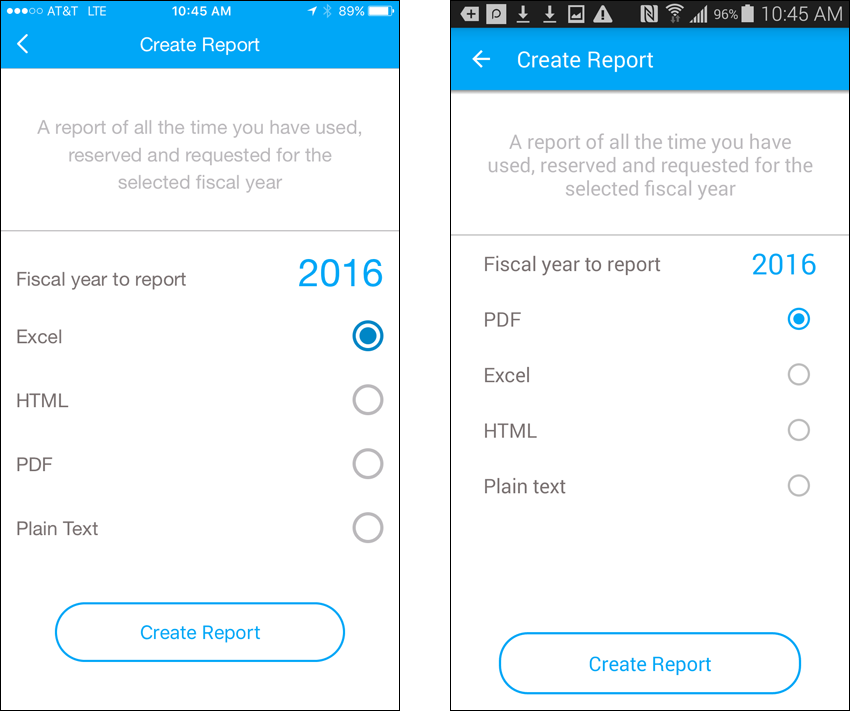
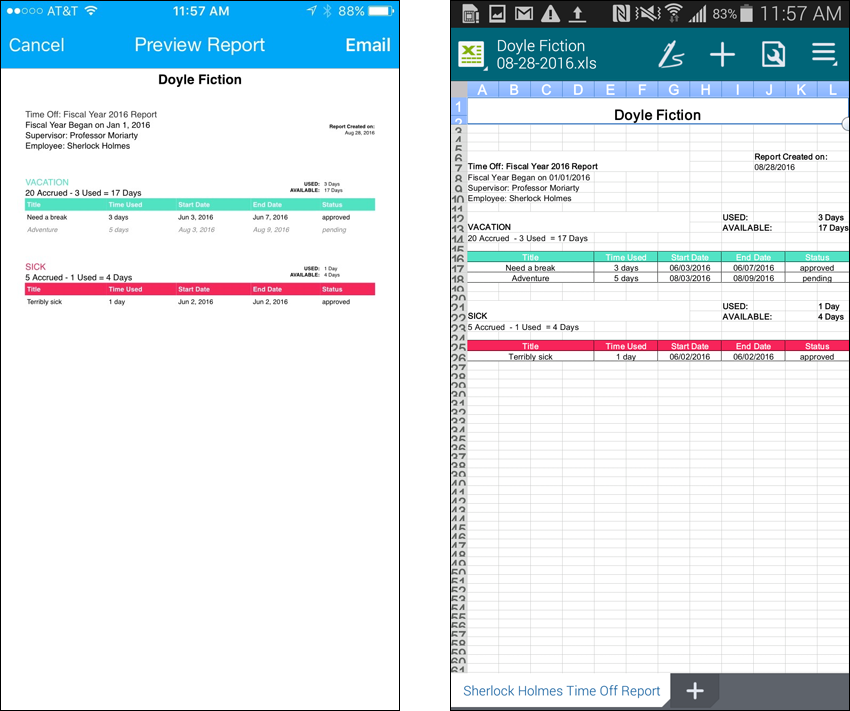
4) When you click "Create Report", the report will be generated and displayed.
Thank you